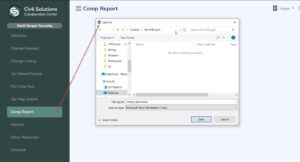
If the Comp Report panel is active for your Town, you’ll have the ability to download a preformatted Excel spreadsheet which is setup to enter the subject property and three Comps of your choosing. First, click the ‘Comp Report’ on the left panel and download to your local PC.
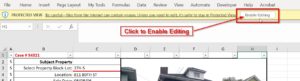
Once downloaded, open the Comp_Report.xlsx spreadsheet and Enable Editing by clicking the button at the top.
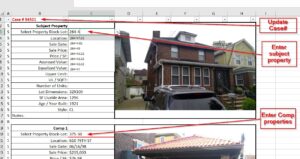
In the Comp Report, you can enter a case number, add your subject property and up to 3 comp properties. Once updated, print or save to a pdf.